

Material Design 是一个包含光线、材质和投射阴影的三维环境。
所有的材质对象都包含 x、y、z 三个维度。
所有的材质对象在 z 轴上都占据一个位置。
主光源投射定向阴影,而环境光从各个角度形成柔和的阴影。
材质厚度
1dp
阴影
阴影由重叠材质之间的海拔高度差产生。
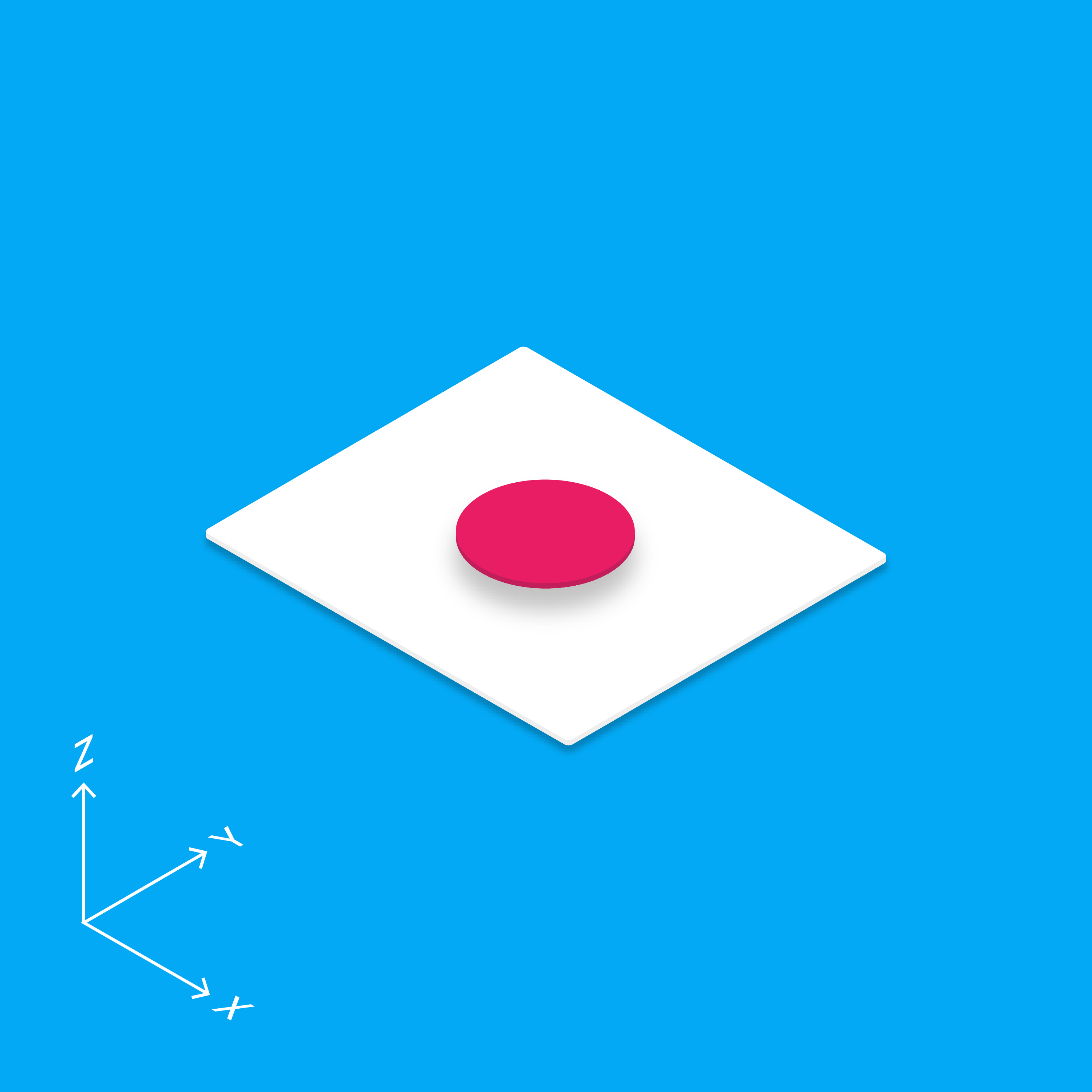
所有的材质对象都包含 x、y、z 三个维度。
所有的材质对象在 z 轴上都占据一个位置。
主光源投射定向阴影,而环境光从各个角度形成柔和的阴影。
1dp
阴影由重叠材质之间的海拔高度差产生。
材质环境是一个三维空间,这意味着所有对象都有 x、y、z 三个维度。z 轴垂直于显示平面,正向 z 轴朝向用户。每一张材质都在 z 轴上占据一个位置,并具有标准的 1dp 厚度,相当于屏幕像素密度为 160 的设备上的一个像素厚度。
在网页上,z 轴主要用于控制层级(即元素的堆叠顺序),而非表现透视关系。三维世界通过操纵 y 轴进行模拟。
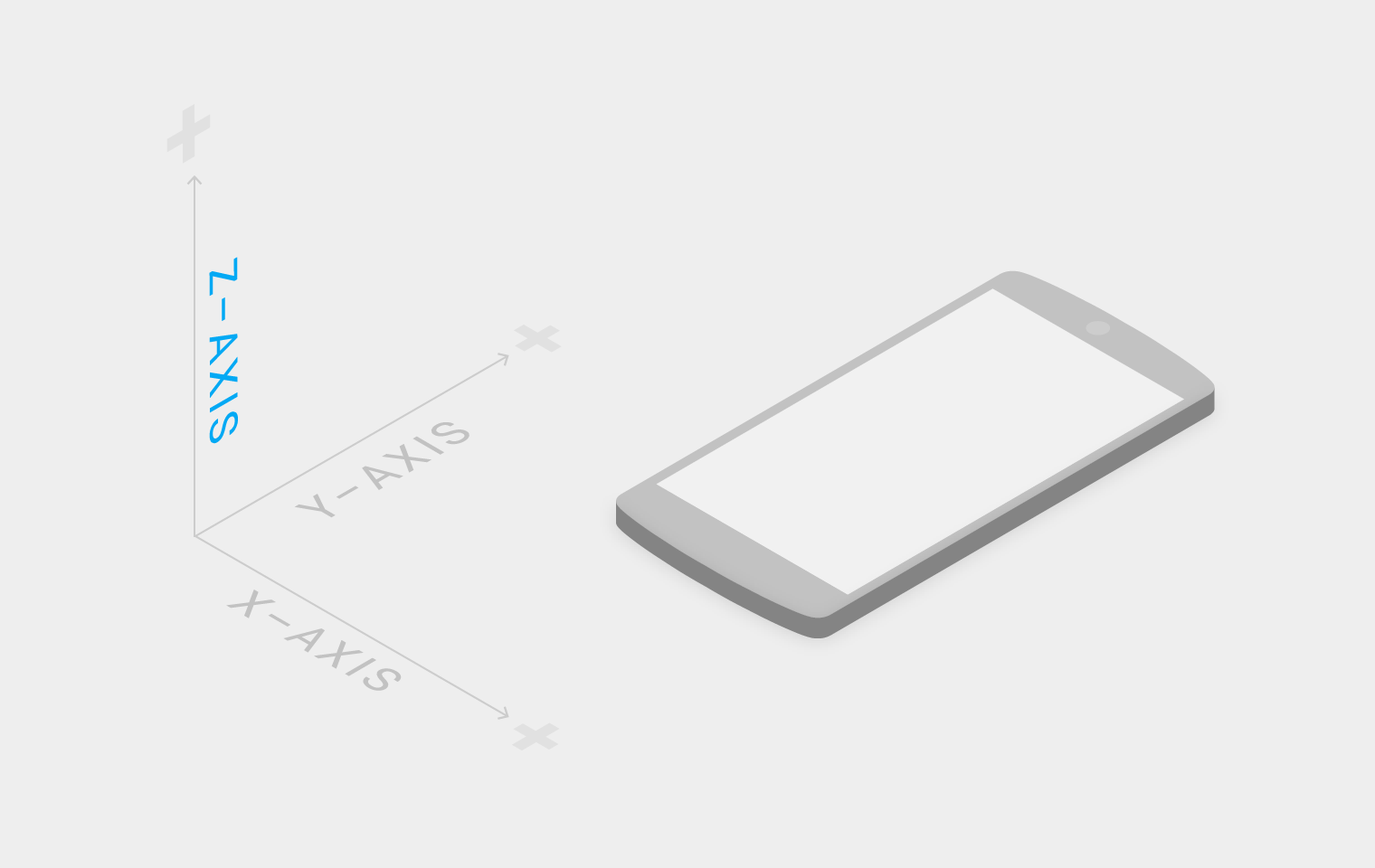
具有 x、y、z 轴的三维空间
在材质环境中,虚拟光源会照亮场景。主光源投射出定向阴影,环境光则从各个角度形成柔和的阴影。
材质环境中的阴影由这两种光源共同产生。在 Android 开发中,当处于不同 z 轴位置的材质阻挡光源时,会形成阴影。在网页上,阴影是通过操纵 y 轴来模拟的。下例展示了高度为 6dp 的卡片。

主光源投射的阴影

环境光投射的阴影

主光源与环境光叠加后的阴影